
Please note: This is a guide to buying our exam paper solutions. Textbook resources are FREE for textbook users and can be accessed using the redeem code that came with your book.
Step 1.
Register an account on EducatePlus.ie by clicking the ‘Register’ button on the homepage. (Or log in if you have an account already.)

Remember to fill in your roll number if you’re a teacher!
Step 2.
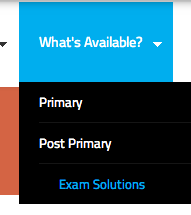
Visit the ‘What’s Available?’ area in the menu bar at the top of your screen and choose ‘Exam Solutions’ from the dropdown.
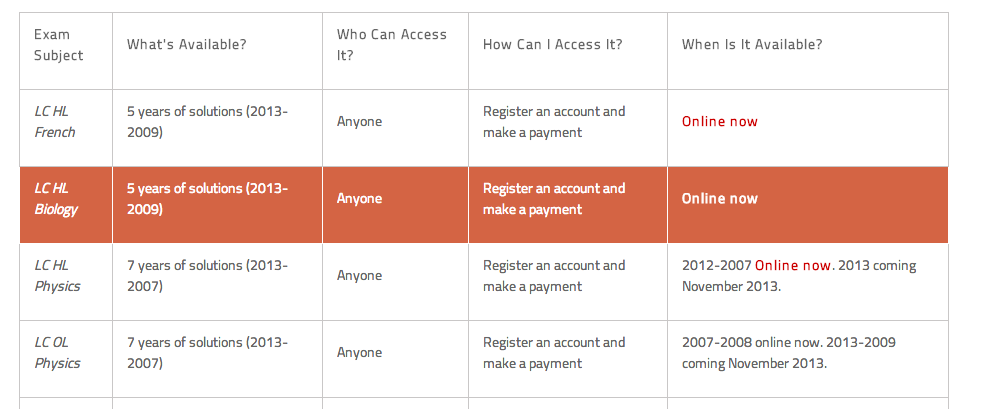
Here, you can see what’s available for each subject. Click on any subject to visit that subject’s page and view a sample.
Step 3.
If you know what you want to buy, visit the ‘Buy’ page in the menu bar at the top of your screen.

You can choose to buy one subject or buy a bundle of subjects together for better value.

You can click into any subject or bundle to see what’s included in your purchase.
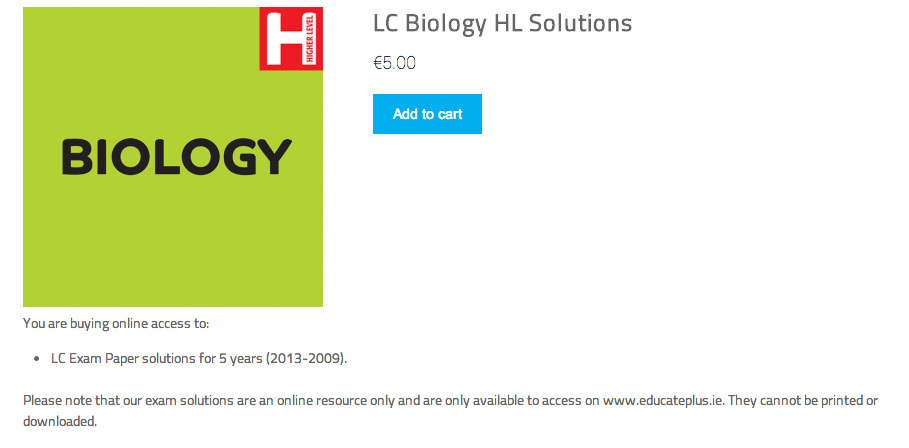
If you’d like to buy it, click ‘Add to Cart’ and fill in your card details.
When you have placed your order, your subject(s) will be added to your library. This is available by visiting your dashboard.
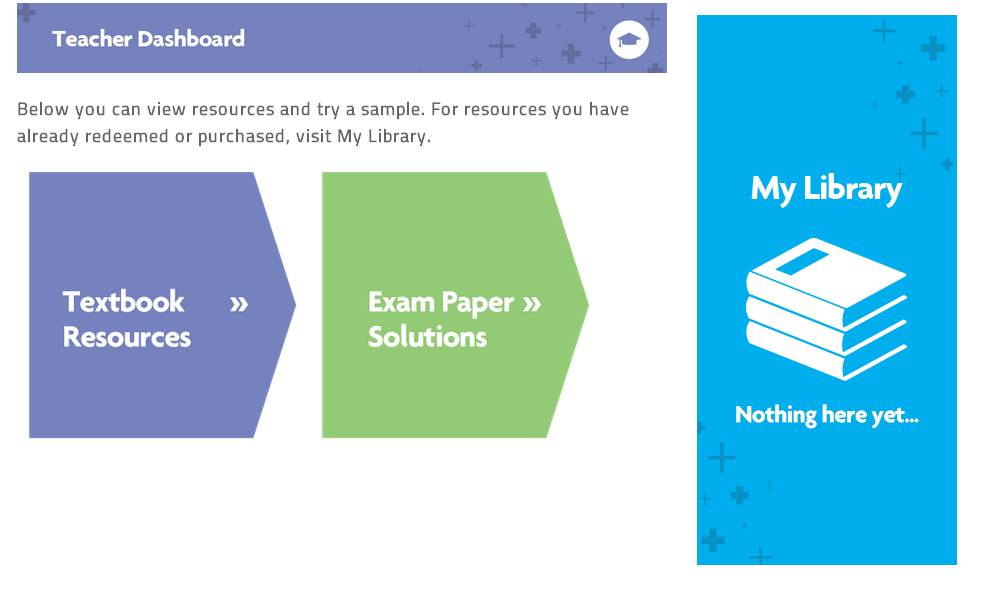
And that’s it! Each time you log in, your solutions will be available in your library!
Please remember that this is a digital product only and is not available to print or download.